
Home » Physical Security Awareness in the Workplace
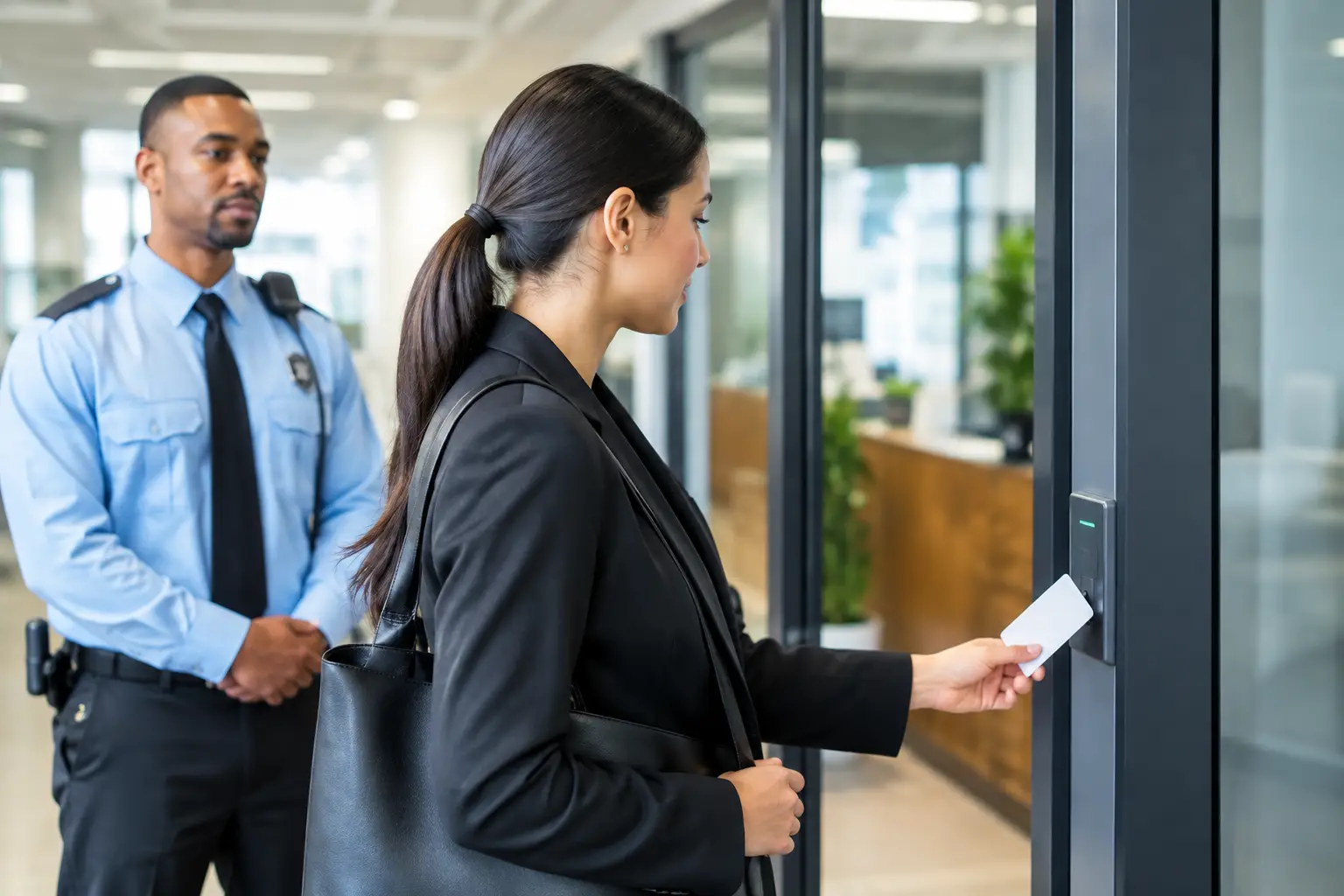
A visitor follows an employee through a secure door at 8:45 am. Nobody challenges them because the person looks confident, carries a laptop and appears to belong. By lunchtime, they may have access to offices, documents, devices and conversations they were never meant to see.
Physical security awareness in the workplace is not about asking staff to become security guards. It is about helping people recognise that everyday decisions – holding a door open, leaving a screen unlocked or placing confidential papers in general rubbish – can create an opening for theft, fraud, privacy breaches or cyber attack.
For Australian organisations, physical and cyber security are closely connected. A stolen laptop can expose customer information. A visitor in the wrong area can photograph a whiteboard containing commercial plans. A misplaced access card can give someone entry after hours. The strongest technical controls can be undermined when people do not understand how their actions affect the security of the premises and its information.
Cyber security training often focuses on suspicious emails, passwords and unsafe websites. Those topics matter, but they do not cover every route an attacker may use. Physical access is often the simpler route.
Someone who can enter a workplace may be able to connect an unauthorised device, take documents from a printer, observe staff entering passcodes or impersonate a contractor. They may not need sophisticated technical skills. They need a moment of inattention and an environment where staff feel uncomfortable asking a polite question.
This does not mean every workplace needs airport-style controls. The right approach depends on the organisation’s premises, public access, workforce, information handled and existing security arrangements. A retail site, construction project, health service and professional office face different risks. However, every team benefits from clear expectations and practical behaviours.
Effective training makes the connection plain: protecting a door, desk, device or document is also protecting the organisation’s information, people and operations.
Tailgating occurs when an unauthorised person enters a controlled area by following someone through a door. It is often enabled by good intentions. Staff may hold a door open because they do not want to seem rude, particularly when the other person is carrying a box or wearing work clothes.
A better habit is to let each person use their own pass, or ask the visitor to sign in at reception. Staff do not need to make an accusation. A simple, calm prompt works: “Hi, do you have a pass to access this area?” If they are expected on site, they can be directed to the appropriate contact.
Managers should support this behaviour openly. Employees are far more likely to act when they know a respectful challenge is expected, not treated as poor customer service.
Visitors, delivery drivers, maintenance workers and contractors may have valid reasons to be onsite. The issue is not their presence. It is whether the organisation knows who is there, why they are there and where they can go.
A defined sign-in process, visitor identification and escort expectations make a material difference. In a smaller workplace, this may be as simple as recording the visitor’s name, company, host, arrival time and departure time. In a higher-risk setting, access may need to be restricted to designated areas and supervised throughout the visit.
Staff should also know what to do when they see someone without identification in a restricted area. The appropriate response may be to ask if they need assistance, alert reception or contact a manager or security representative. The goal is safe escalation, not confrontation.
A swipe card, fob, key or mobile credential is a form of access authority. Lending one to a colleague, leaving it on a desk or failing to report it missing can give another person access under someone else’s identity.
Staff should keep credentials with them, never share them and report a loss immediately. Speed matters. A lost pass that is disabled promptly is an inconvenience. One left active for days can become an untraceable entry point.
Organisations also need reliable offboarding and role-change processes. When people leave or move to a different role, physical access should be reviewed alongside system accounts, shared passwords, devices and company property. This is a process control as much as an employee awareness issue.
Confidential information is not only stored in systems. It appears in meeting notes, printed reports, customer forms, payroll documents, sticky notes and labelled folders. A clear desk approach reduces the chance of sensitive material being viewed, removed or photographed by someone passing through.
This does not require a sterile office. It means staff should put sensitive documents away when they leave their workstation, collect printing promptly and use secure disposal bins for information that should not go into ordinary rubbish. Screens should be locked whenever a desk is unattended, even for a short trip to the kitchen or meeting room.
The practical test is straightforward: if a stranger stood beside the desk for two minutes, what could they see, take or learn?
Hybrid work has expanded the physical security boundary. Laptops, mobiles and paper records now move between offices, homes, client sites, airports, cafés and vehicles. Staff need to understand that a device does not have to be hacked to be compromised. It can simply be taken.
Devices should not be left visible in a car, unattended in public places or handed to another person to “watch for a minute”. Where available, staff should use cable locks, privacy screens and secure storage. A lost device must be reported immediately, even if it is protected by a password or remote management tools.
There is a trade-off here. People need flexibility to work effectively, and overly restrictive rules can lead to workarounds. Clear, realistic expectations are more useful than policies that assume staff will never work beyond a controlled office.
Social engineering is not limited to email and phone calls. A person may pose as a technician, courier, auditor or new contractor to gain access, request information or create urgency. They may use industry language, familiar branding or a convincing story to discourage questions.
Staff should verify unexpected requests through a known internal contact or established supplier channel, rather than relying on a phone number or email address supplied by the visitor. This is particularly important when someone asks to access communications rooms, network equipment, records storage or executive areas.
Training should make room for judgement. Not every unfamiliar face is suspicious, and staff should not be asked to put themselves at risk. The expected action is to pause, verify and report concerns through the right channel.
A propped-open fire door, an unfamiliar person in a staff-only area, a missing laptop or a confidential document left in a meeting room may seem minor. These are precisely the issues that need early reporting. A security-aware culture is one where people can raise concerns without being dismissed as overreacting.
Make reporting routes easy to find and simple to use. Staff should know who to contact during business hours, what to do after hours and what information to provide. Photos, times, locations, descriptions and badge details can assist, but employees should not be expected to investigate or confront a person.
A report does not have to prove wrongdoing. It only needs to give the organisation an opportunity to check.
One annual reminder is rarely enough to change habits. Physical security is most effective when it appears in induction, team discussions, policy refreshers and short scenario-based learning. Microlearning is particularly useful because it can focus on one decision at a time: what to do when someone tailgates through a door, how to handle an unexpected technician, or why screens must be locked.
Training should reflect the environments employees actually use. Frontline teams may need scenarios involving deliveries, public counters and shared workspaces. Office staff may need greater focus on visitors, meeting rooms, printing and hybrid work. Leaders need to understand their role in reinforcing reporting, access reviews and consistent procedures.
CybEssential’s downloadable, SCORM-compliant physical security training can be deployed through an organisation’s existing learning management system, allowing teams to manage delivery and completion records without an ongoing platform subscription.
The most useful message for staff is not “be suspicious of everyone”. It is simpler: protect access, protect information and ask when something does not look right. When those actions become ordinary workplace practice, security stops being a separate task and becomes part of how people look after one another.